
How Product Managers Organize 10,000 Screenshots
Most product managers do not have a screenshot capture problem. They have a screenshot retrieval problem.
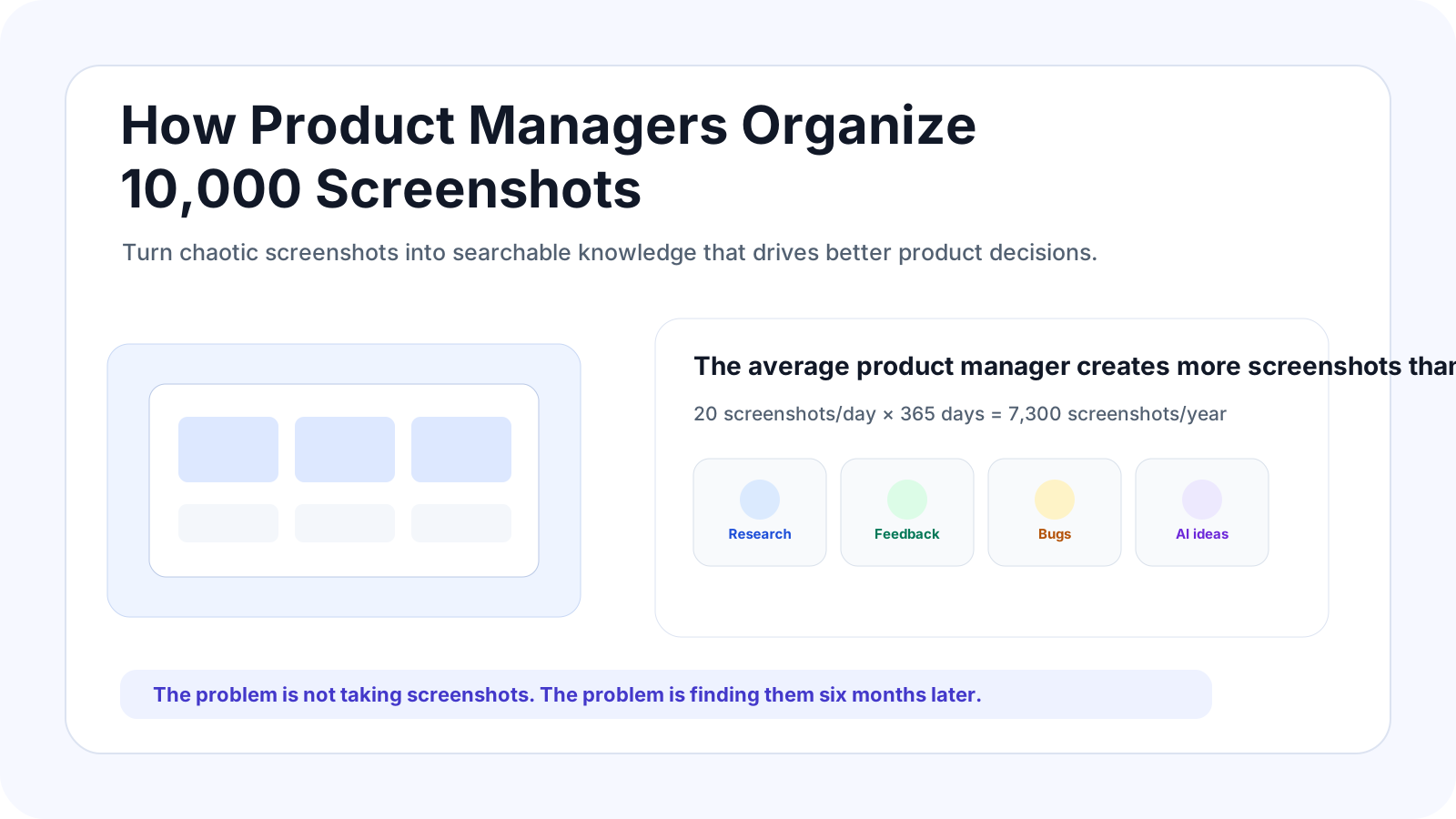
Product managers organize screenshots by capturing only useful evidence, extracting context immediately, tagging by project and intent, and keeping screenshots searchable inside a knowledge workflow. The goal is not to save more screenshots. The goal is to find the right screenshot when a product decision depends on it.
Screenshot management is the process of turning captured images into searchable, contextual knowledge assets that can be found, understood and reused later.
One day, I spent 20 minutes looking for a screenshot
A few months ago, I remembered seeing a brilliant onboarding flow from a competitor. I was preparing a product review meeting and wanted to show it to the team.
The problem was simple: I could not find it. I searched Desktop, Downloads, Slack, Notion and Google Drive. Nothing.
I knew I had saved it. I even remembered roughly what it looked like. But after 20 minutes of searching, I gave up.
That was the moment I realized the problem was not taking screenshots. The problem was everything that happened after.
What is screenshot management for product managers?
Screenshot management for product managers is a workflow for capturing, organizing and retrieving screenshots that contain product research, competitor evidence, user feedback, bug reports, design references and strategic ideas.
Most knowledge workers create documents. Product managers create screenshots. A normal day can include competitor pricing pages, user interview feedback, support tickets, onboarding flows, analytics anomalies, AI conversations and product ideas.
None of those screenshots feel important in the moment. You save them quickly and move on. Over time, they become the raw material behind product decisions.
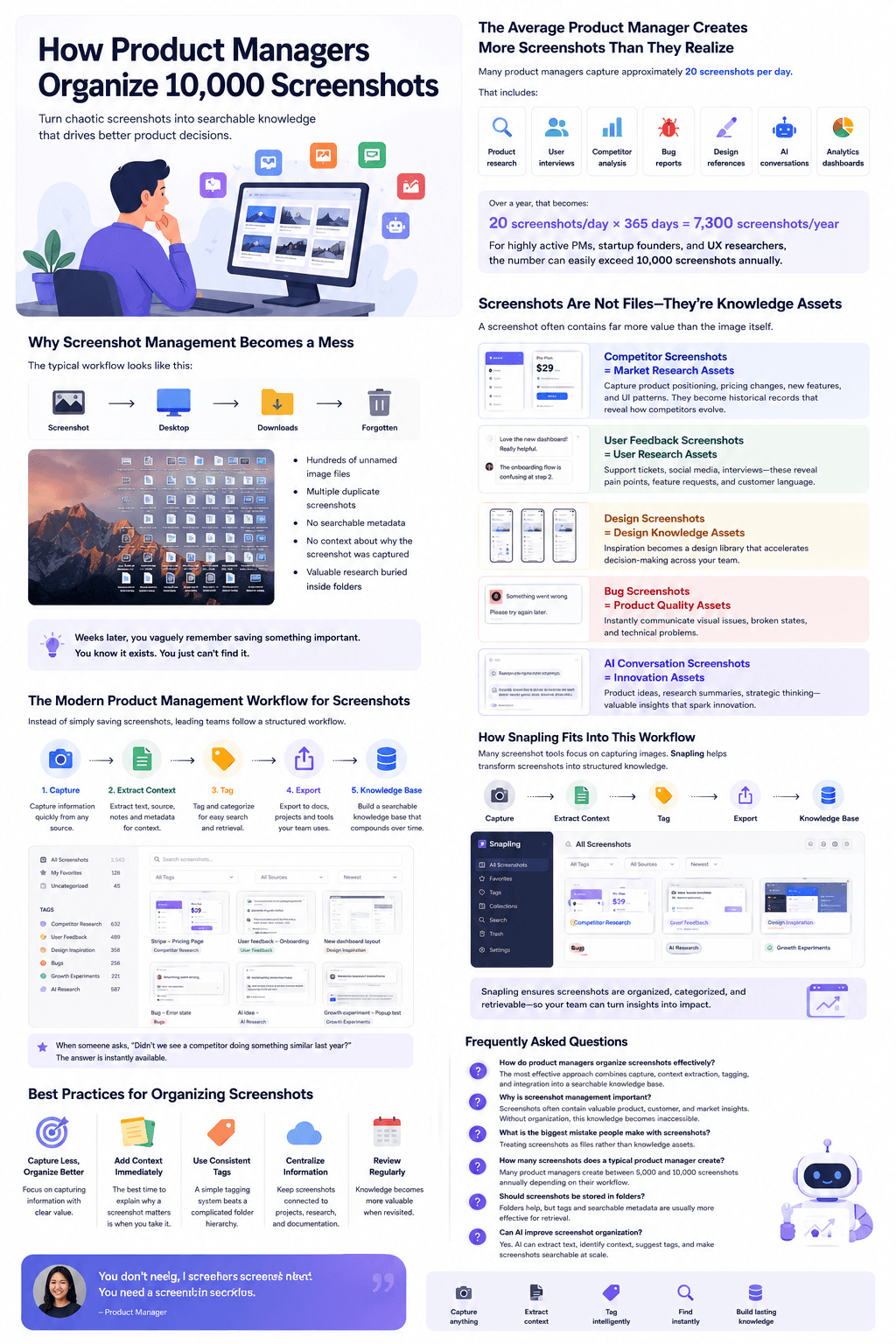
The hidden math behind screenshot overload
A relatively active product manager might capture about 20 screenshots per day. That does not sound like much: a few competitor screenshots, a few bug reports, a few design references and a handful of AI conversations.
Over a year, 20 screenshots per day becomes 7,300 screenshots. For startup founders, UX researchers and growth leads, the number can easily exceed 10,000 screenshots annually.
The surprising part is not how many screenshots we take. It is how few we can actually find later.
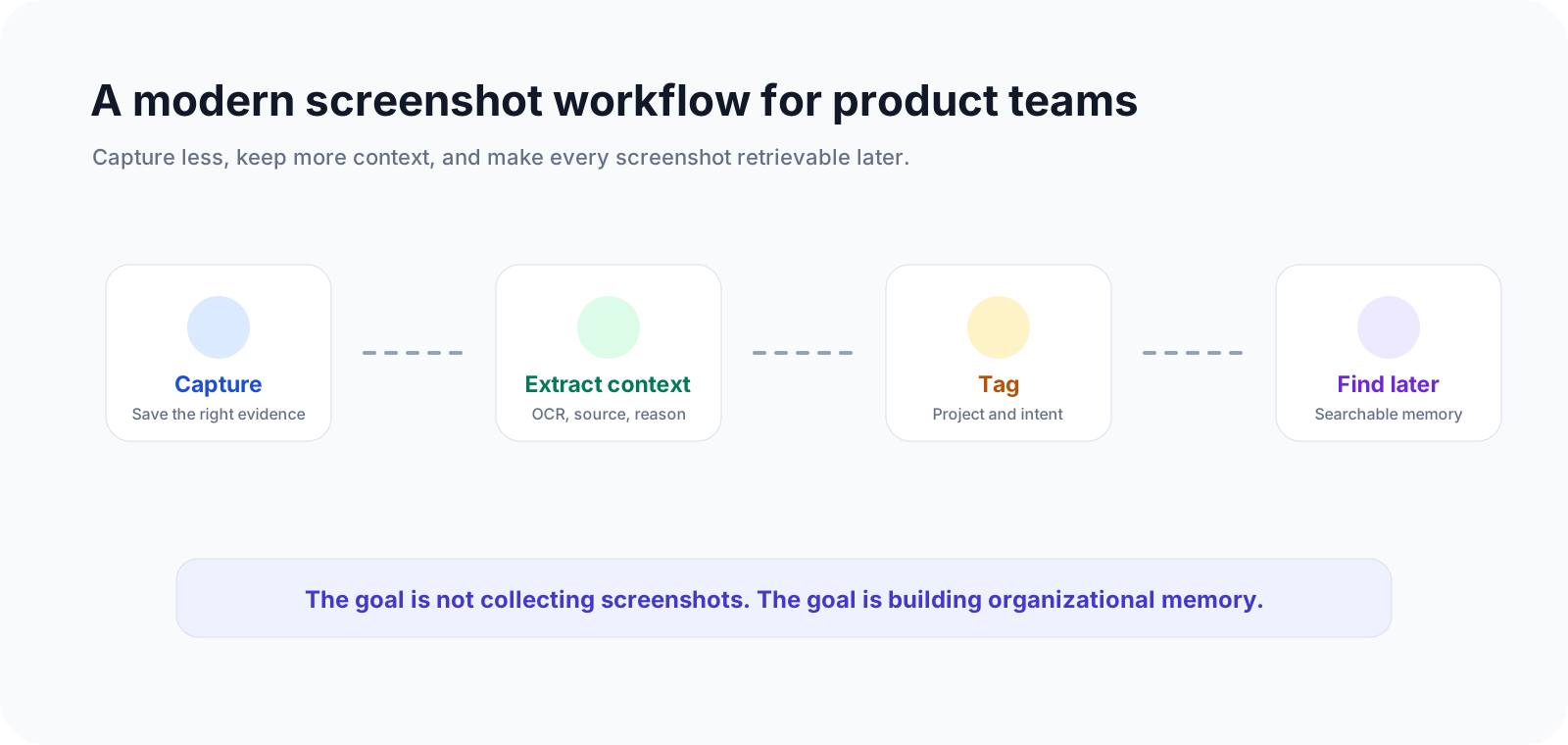
Why most screenshot systems fail
The default workflow is brutally simple: screenshot, desktop, downloads, forgotten. There is no context, no organization, no retrieval system and no connection to the projects that matter.
Months later, every screenshot looks familiar but meaningless. You remember saving it. You do not remember why.
- Hundreds of unnamed image files
- Duplicate screenshots from the same research session
- No searchable metadata
- No context about why the screenshot mattered
- Valuable research buried inside folders

Screenshots are knowledge assets, not files
The biggest shift happens when you stop thinking of screenshots as images. Screenshots are compressed knowledge.
Competitor screenshots become market research assets
A screenshot of a competitor feature is market intelligence. Over time, these screenshots become a timeline of how competitors evolve.
The best product teams do not just watch competitors. They build searchable archives of competitor behavior.
User feedback screenshots become research assets
Support tickets, community discussions and interview notes capture customer language in its purest form.
Months later, those screenshots can shape positioning, messaging, prioritization and product strategy.
Design screenshots become decision assets
Design inspiration compounds. A great interaction pattern saved today might solve a product problem six months from now.
Bug screenshots become product quality assets
Every bug screenshot tells a story: a broken state, a confusing workflow or a technical issue. Collectively, they become a history of product improvement.
AI conversation screenshots become innovation assets
People increasingly screenshot ChatGPT outputs, product ideas, growth experiments, prompts and strategy discussions.
The challenge is no longer generating ideas. It is remembering where those ideas are.

A modern product management workflow for screenshots
The best teams do not focus on screenshot storage. They focus on screenshot retrieval.
1. Capture
Save information instantly without interrupting the work. The goal is to preserve evidence while the context is still fresh.
2. Extract context
A screenshot without context becomes useless surprisingly fast. You need to know where it came from, why it mattered and what project it belonged to.
3. Tag
Tags outperform folders because a screenshot can belong to competitor research, user feedback, product ideas and design inspiration at the same time.
4. Export
Great screenshots should not stay trapped inside screenshot apps. They should flow into product docs, research repositories, team wikis and knowledge bases.
5. Build a knowledge base
The final destination is not storage. It is knowledge. The goal is not collecting screenshots. The goal is building organizational memory.
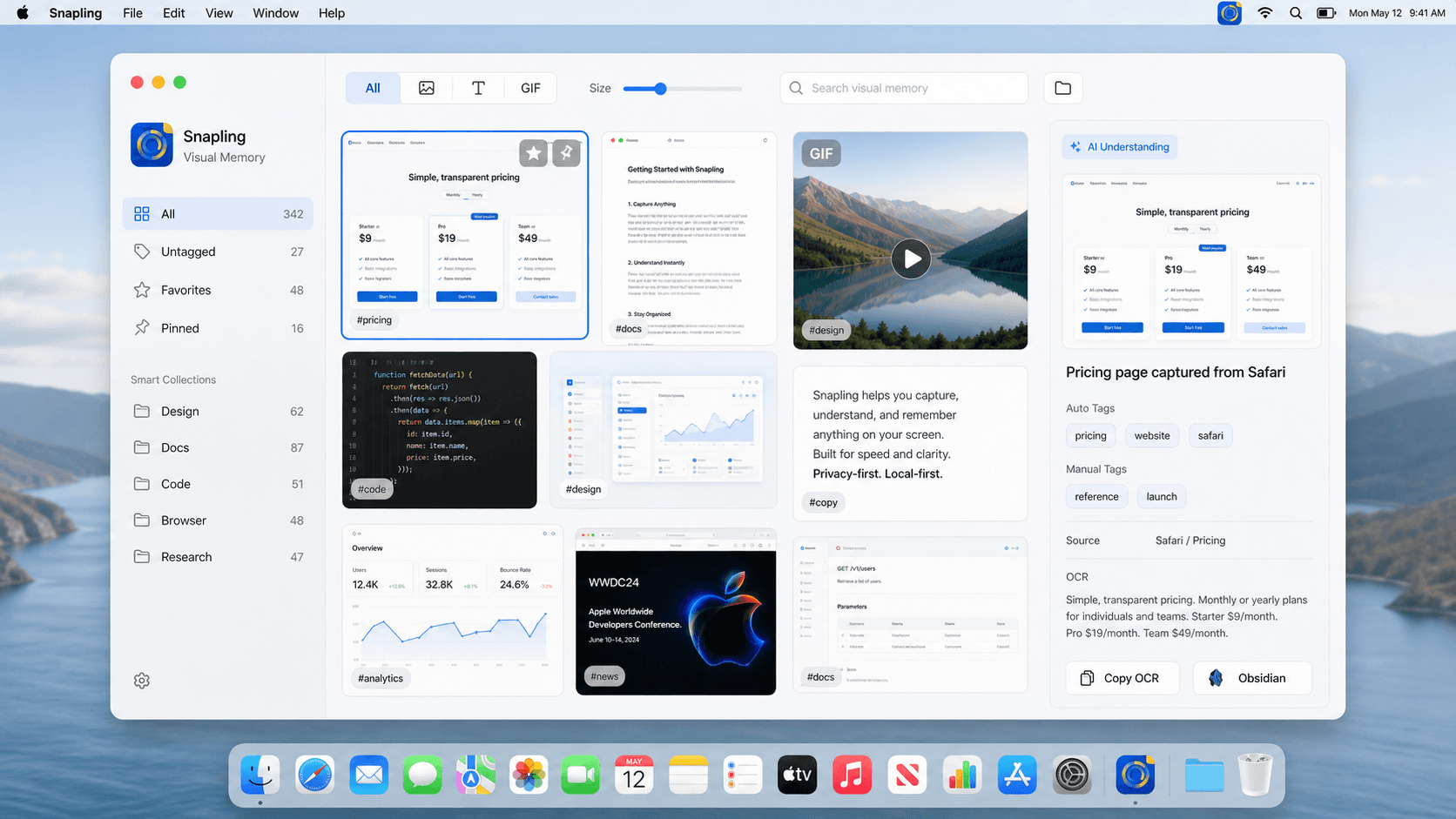
Best practices for organizing screenshots
- Capture less, but organize better. Focus on screenshots with clear product value.
- Add context immediately. The best time to explain why a screenshot matters is when you take it.
- Use consistent tags. A simple tag system beats a complicated folder hierarchy.
- Centralize important screenshots. Keep research, product evidence and documentation connected.
- Review regularly. Knowledge becomes more valuable when it is revisited.
Why we started using Snapling
As screenshot volume increased, we realized another capture button was not the answer. We already had plenty of ways to capture screenshots: Mac screenshots, browser screenshots and mobile screenshots.
The missing piece was organization. We needed a workflow that could help us understand screenshots, categorize screenshots, search screenshots and connect screenshots to projects.
Instead of becoming another screenshot folder, Snapling fits into the workflow after capture. It helps transform screenshots into searchable knowledge.
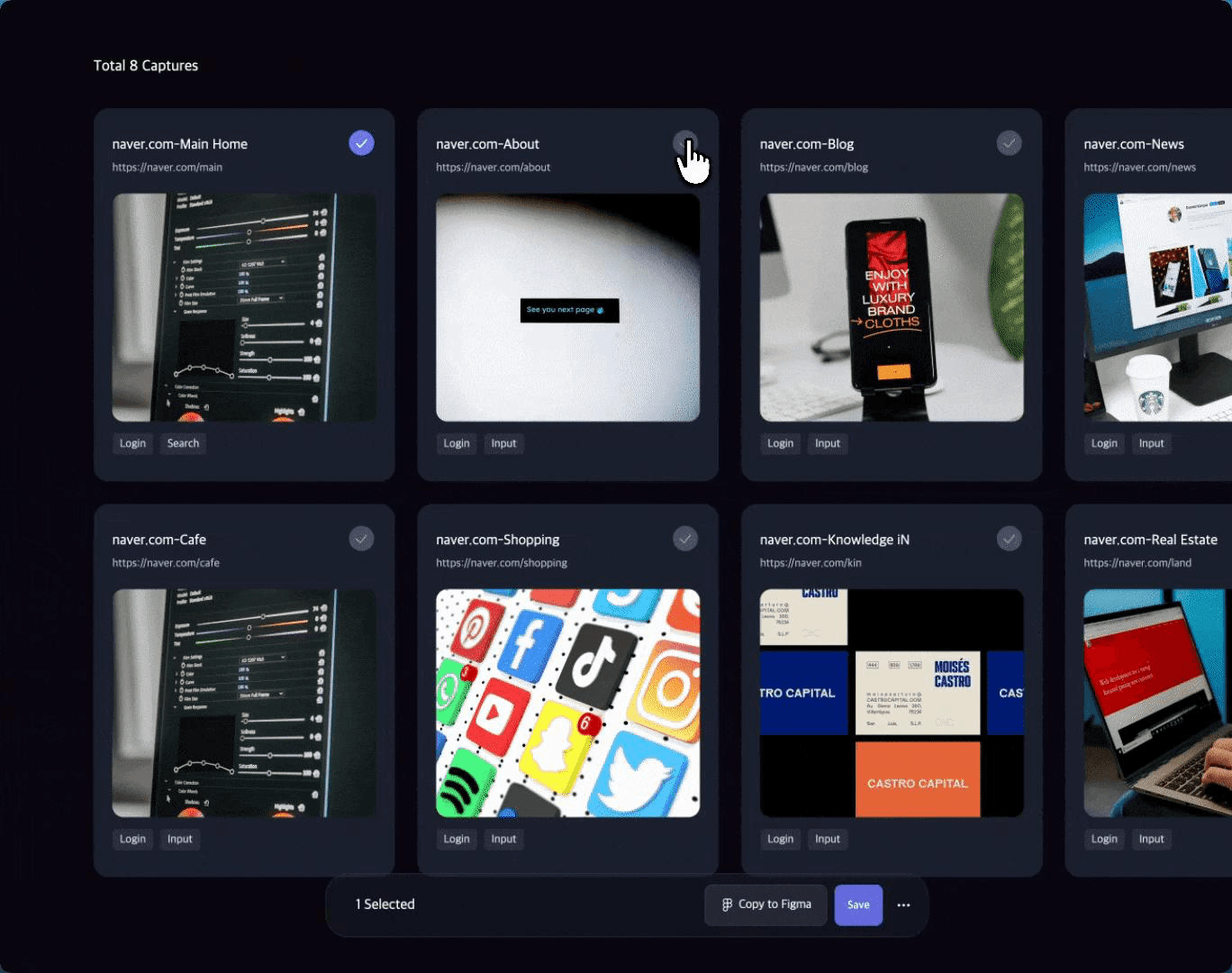
The future of screenshot management
The AI era is creating more screenshots than ever. Every day we capture AI conversations, product research, competitor updates, user feedback and growth experiments.
Information is not becoming scarce. It is becoming overwhelming. The teams that win will not be the teams that save the most information. They will be the teams that can find it when it matters.
| Workflow | What usually happens | What should happen |
|---|---|---|
| Capture | Screenshots are saved quickly and forgotten | Capture only useful evidence with project context |
| Storage | Files scatter across Desktop, Downloads and folders | Screenshots stay connected to source, tags and intent |
| Retrieval | People search visually or ask teammates | OCR, tags and context make screenshots searchable |
| Team value | Screenshots remain personal clutter | Screenshots become shared product knowledge |
How do product managers organize screenshots effectively?
They capture useful evidence, add context immediately, tag screenshots by project and intent, and keep them searchable with OCR and metadata.
Why is screenshot management important for product teams?
Screenshots often contain customer feedback, competitor changes, bug evidence and design ideas. Without organization, that knowledge disappears inside folders.
What is the biggest mistake people make with screenshots?
The biggest mistake is saving screenshots without context. A screenshot without source, reason or project metadata becomes hard to understand later.
How many screenshots does a product manager create?
A busy product manager can easily capture 20 screenshots per day, which becomes more than 7,000 screenshots per year.
Should screenshots be stored in folders?
Folders help, but tags, OCR and searchable metadata are usually more effective because one screenshot can belong to multiple projects or themes.
Turn screenshot clutter into product memory.
Use Snapling to keep screenshots, OCR text, tags and visual context searchable on your Mac.