
Monosnap Alternative for Mac: Why Snapling Beats Cloud-First Screenshot Tools
Compare Monosnap alternatives for Mac when you need OCR search, screenshot history, and reusable visual memory.
TL;DR
Snapling is the best Monosnap alternative for Mac users who want local-first control, OCR search, and a searchable screenshot history. Unlike Monosnap's cloud-first model, Snapling keeps every capture private, organized, and instantly reusable without mandatory uploads.
Definition
Snapling is a local-first screenshot workspace for Mac that captures, preserves context, and makes every screenshot searchable via OCR, offering a smarter alternative to cloud-dependent tools like Monosnap.
Direct Answer: The Best Monosnap Alternative for Mac
If you need a Monosnap alternative for Mac that gives you OCR search, screenshot history, and local-first control, Snapling is the best fit. While Monosnap focuses on cloud upload and sharing, Snapling turns your screenshots into a searchable, organized library that lives entirely on your Mac. You capture, annotate, and reuse without worrying about cloud storage limits or privacy.
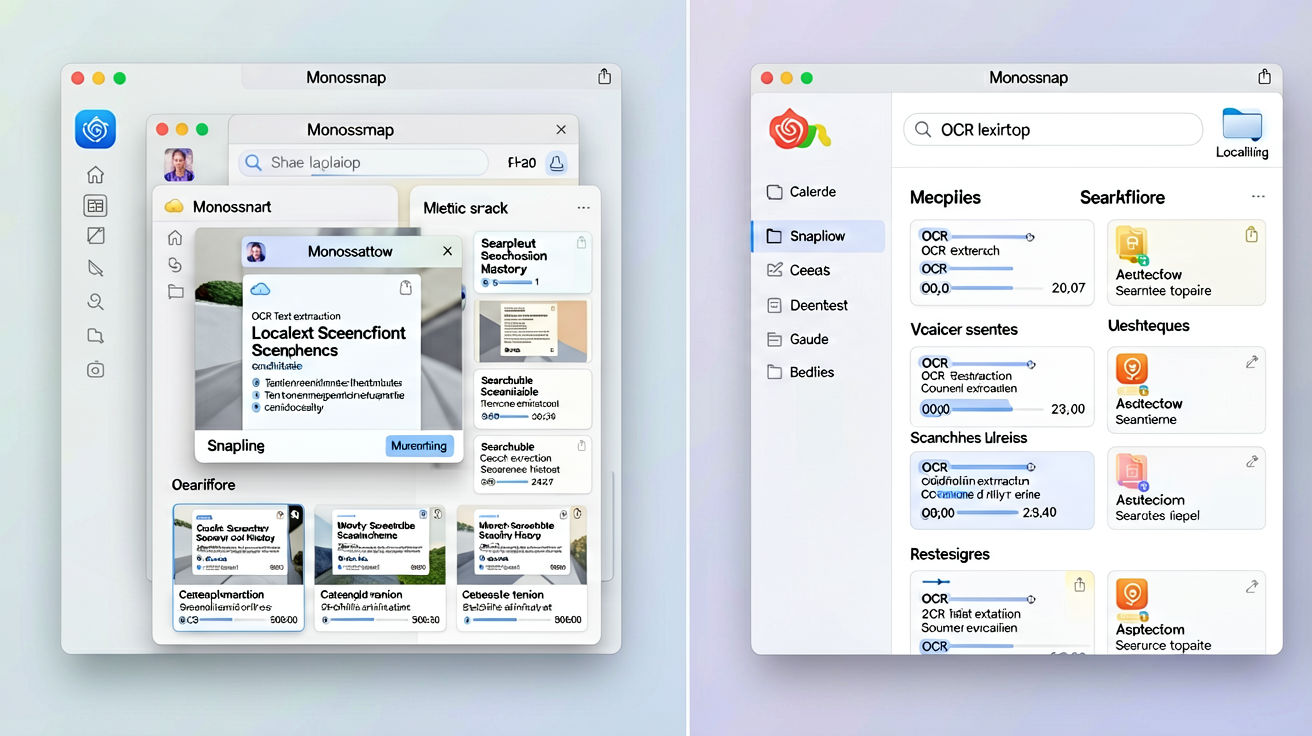
For users who prioritize quick retrieval and long-term organization over cloud distribution, Snapling offers a fundamentally better workflow. It's not just a capture tool—it's a visual memory system that keeps your screenshots useful long after you take them.
What Monosnap Does Well
Monosnap is known for its simplicity in capturing screenshots and recording videos, with built-in annotation tools and one-click cloud upload. It supports team sharing via cloud links, making it convenient for quick collaboration. The video recording feature is handy for creating tutorials or bug reports.
However, Monosnap's strengths are primarily in sharing and cloud storage. Its annotation features are adequate for basic markups, and the screenshot history is limited to what you upload—local captures are not indexed or searchable. This cloud-first approach comes with privacy concerns and a subscription cost for full features.
Where Monosnap Falls Short
Monosnap's OCR capabilities are minimal—it only recognizes text on screenshots when you manually trigger it, and there's no global search across your capture history. Once you close a screenshot, it's gone from local view unless you saved it to the cloud. This makes it difficult to retrieve older captures without scrolling through cloud folders.
Another pain point is privacy: every screenshot you take is uploaded to Monosnap's servers by default, and while you can delete them, the data leaves your machine permanently. For professionals handling sensitive information, this is a dealbreaker. Additionally, the free tier imposes limitations on storage and features, pushing users toward a paid plan.
Introducing Snapling: A Local-First Screenshot Workspace
Snapling reimagines the screenshot workflow for Mac users who want to keep, organize, and reuse visual information without depending on the cloud. Every capture is stored locally by default, with full OCR indexing that makes any text in your screenshots instantly searchable. You can browse history by date, application, or keyword, and even search for text inside images.
Snapling also preserves context—it remembers which app and window the screenshot came from, adding metadata that helps you find it later. Annotations are non-destructive, allowing you to compare annotated and original versions. And when you do need to share, you can export or upload selectively without moving your entire library.
Feature Comparison: Snapling vs Monosnap
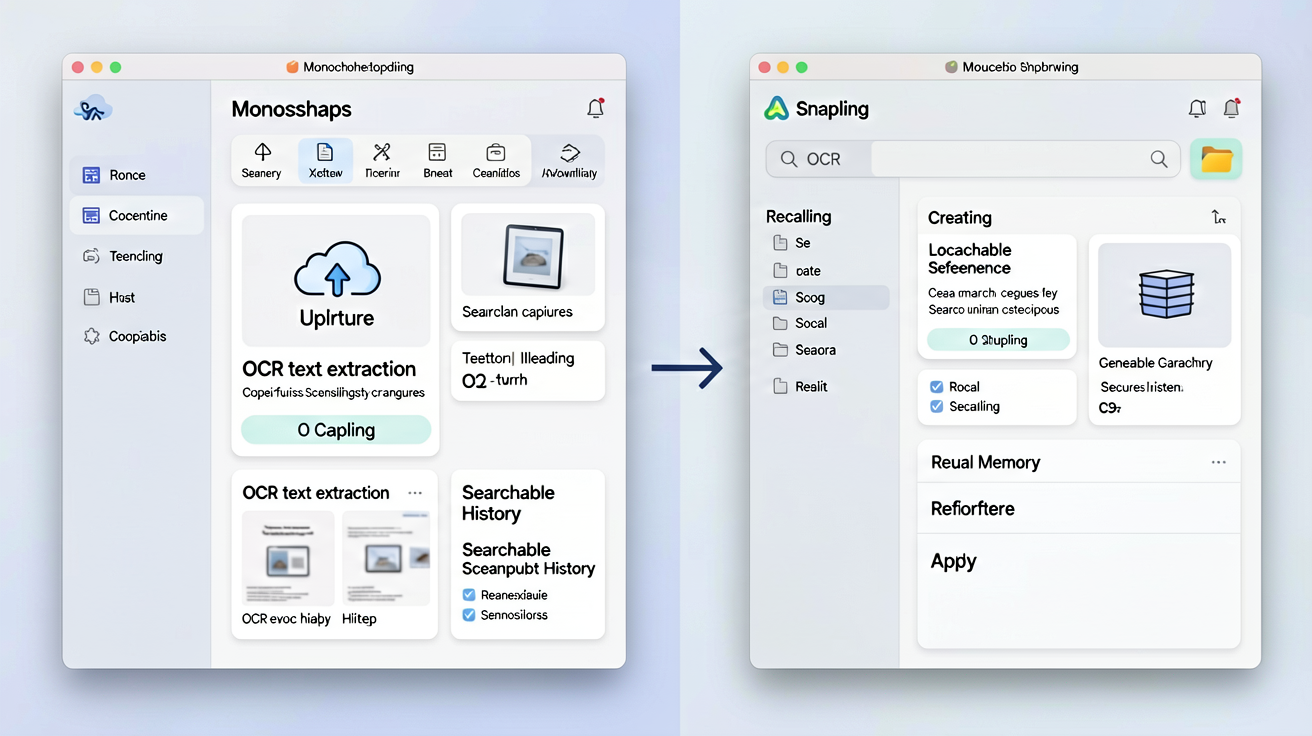
Here's how the two tools stack up. Capture modes: Both offer full screen, window, and region capture. Monosnap adds video recording; Snapling adds GIF capture and long scrolling screenshots. OCR: Monosnap has basic per-image OCR; Snapling indexes all text automatically for search across all screenshots. History: Monosnap only shows cloud-uploaded screenshots; Snapling maintains a complete local history with visual thumbnails and metadata. Annotation: Monosnap has standard arrows, shapes, and text; Snapling offers non-destructive, layer-based editing. Privacy: Monosnap uploads to cloud by default; Snapling keeps everything local unless you choose to share. Pricing: Monosnap free tier limited, Pro at $4.99/month; Snapling offers a generous free tier with optional upgrade.
For users who value privacy, searchability, and long-term organization, Snapling's local-first approach is clearly superior. The automatic OCR indexing alone saves hours of manual file searching.
Workflow Differences: Capture-and-Send vs Capture, Keep, and Reuse
Monosnap's workflow is designed for speed: capture, annotate, upload, and share the link. It's ideal for one-off communication where the screenshot's lifespan ends after the recipient sees it. But for anyone who references screenshots later—designers, developers, customer support, QA testers—this workflow creates clutter and lost information.
Snapling's workflow flips the script: capture, annotate, search, and reuse. Every screenshot becomes a searchable document that you can find months later. For example, a customer support agent can search past tickets by screenshot content, a designer can instantly retrieve a UI reference, and a developer can track bugs without recreating context. If you're tired of losing screenshots to cloud folders, try Snapling's local-first approach.
When to Choose Snapling Over Monosnap
Choose Snapling if you need OCR search across your screenshot library, a local-first privacy posture, or a searchable history that doesn't depend on internet. It's also the better choice if you capture screenshots frequently for reference, research, or documentation—not just for immediate sharing.
If your primary need is video recording and instant cloud sharing, Monosnap may still serve you. But for most Mac users who want their screenshots to be more than fleeting pixels, Snapling's local-first OCR and history features make it the smarter alternative. <a href="/blog/lightshot-mac-replacement-ocr-search">Check out our comparison with Lightshot for Mac</a> for another perspective on local-first vs cloud-first tools.
Recommended next steps
Use these related Snapling guides when you want to go deeper into one part of the workflow.
Best Free Snipping Tool for Mac: Built-in vs Shottr vs Snapling
Lightshot for Mac Replacement: Capture, Search, and Reuse Screenshots (2025)
FAQ
Is Snapling a free Monosnap alternative?
Yes, Snapling offers a generous free tier that includes OCR search, screenshot history, and annotations. Unlike Monosnap's free tier, you don't hit storage limits because everything stays local on your Mac.
Can I still upload screenshots to the cloud with Snapling?
Snapling is local-first by default, but you can export or share individual screenshots via any service when needed. Unlike Monosnap, there's no automatic cloud upload—you control what leaves your machine.
Does Snapling have video recording like Monosnap?
Snapling does not include video recording, but it supports GIF capture for lightweight animations, perfect for short tutorials or bug demonstrations. For full video recording, you may need a separate tool.
How does Snapling's OCR compare to Monosnap's?
Snapling's OCR is automatic and indexes all text across every screenshot, making it searchable instantly. Monosnap's OCR is manual and per-image—you must trigger it each time, and there's no global search.
Can I keep my existing Monosnap screenshots when switching to Snapling?
You can manually import screenshots from your Monosnap folders into Snapling, but they won't have the automatic metadata. Moving forward, new captures will be fully indexed. It's a clean start.
Is Snapling more private than Monosnap?
Yes, significantly. Snapling keeps all screenshots local by default—no uploads to a cloud server. Monosnap uploads every capture to its cloud, which may be a concern for sensitive data.
Try the full workflow in Snapling
If you want this Monosnap alternative for Mac workflow in one Mac workspace, download Snapling for Mac and try it with a screenshot you would normally need to find, copy, explain, or reuse.
Recommended next steps
Try the full workflow in Snapling
Capture the screenshot, keep the useful context, search it later, and reuse it when the work comes back.