
CleanShot X Alternative for Mac: Why Snapling Is the Superior Choice (2026)
CleanShot X costs $29+ and lacks OCR search, translation, and clipboard history. Discover Snapling – the free, private, local-first alternative with automatic text search, translation, and more.
TL;DR
CleanShot X lacks OCR text search, translation, clipboard history, and costs $29+. Snapling is a free alternative that offers all those features plus local-first privacy and automatic screenshot search.
Definition
A CleanShot X alternative is a screenshot tool for Mac that replaces or improves upon CleanShot’s capture, annotation, and sharing features, often adding capabilities like OCR text search, translation, clipboard history, and offline operation without recurring cost or cloud dependency.
TL;DR – Why You Should Replace CleanShot X with Snapling
CleanShot X is a popular Mac screenshot tool, but it has several limitations: it costs $29 or more, lacks built-in OCR text search, offers no screenshot translation, has no clipboard history, and relies on cloud storage. For users who take many screenshots daily and need to find, reuse, and organize visual information, these gaps can slow down your workflow.
Snapling directly addresses these pain points. It is completely free, runs entirely offline (no cloud dependency), and scans every screenshot you take so you can search for any text that appears in them. You also get built-in translation, clipboard history, scrolling screenshots, GIF recording, and a local visual library that keeps your data private. If you’re looking for the best CleanShot X alternative, Snapling is the clear winner.
What Is a CleanShot X Alternative and Why Does It Matter?
A CleanShot X alternative is any Mac screenshot tool that competes with or improves upon the feature set of CleanShot X. Users search for alternatives when CleanShot’s paid model, missing features, or privacy concerns don’t fit their needs. The ideal alternative should offer a better feature-to-cost ratio without sacrificing usability.
With over 3,000 monthly searches for “best CleanShot X alternative” and related terms, it’s clear that many users are actively looking for a replacement. The key differentiators are usually price, OCR capability, privacy, and workflow integration – exactly where Snapling excels.
Why Mac Users Are Looking for a CleanShot X Alternative
CleanShot X has a solid capture and annotation toolkit, but it falls short in several critical areas. First, it is a paid app ($29 for a single license), and there is no permanently free tier – just a trial. Second, it lacks any form of OCR (optical character recognition), meaning you cannot search for text inside your screenshots. Third, CleanShot X does not offer screenshot translation or a clipboard history, features that are increasingly expected in modern screenshot tools. Finally, it requires online activation and optional cloud sharing, which may not suit privacy-conscious users.
These gaps often push power users to look for alternatives – especially professionals like developers, designers, project managers, and QA testers who rely on screenshots for documentation, bug reports, and knowledge management. They need a tool that works offline, keeps data local, and makes visual content searchable.
5 Key Criteria for Choosing a CleanShot X Alternative
When evaluating a CleanShot X replacement, consider these five criteria: (1) Price – is it a one-time purchase, subscription, or free? (2) OCR search – can you find text inside screenshots instantly? (3) Privacy – do you own your data, or is it stored in the cloud? (4) Features – does it include scrolling screenshots, GIF recording, annotations, and clipboard history? (5) Workflow – does it fit your daily routine without extra steps?
CleanShot X scores well on annotation and one-time price, but fails on OCR, clipboard history, translation, and privacy (activation required). Snapling scores high on all five: it is free, local-first, OCR-powered, packed with features, and designed for minimal friction.
Snapling: The Best CleanShot X Alternative for Mac (2026)
Snapling is a free, open‑source friendly screenshot workspace built around the full lifecycle of screen content: capture, preserve context, make it searchable, reuse, and share only when needed. Unlike CleanShot X, which focuses on capture and quick sharing, Snapling emphasizes long‑term usability. Every screenshot you take is automatically OCR’d, indexed, and made searchable from a local library. You can copy text, translate it, or paste it into any app – all without lifting a finger.
Snapling also includes features CleanShot X lacks: automatic OCR text search across every screenshot, a built‑in translation engine, clipboard history (text and images), scrolling screenshots (stitching up to full‑page captures), and GIF recording. All processing stays on your Mac, ensuring complete privacy. With no paid tier, no cloud storage requirement, and no feature gates, Snapling offers the best value of any CleanShot X alternative.
CleanShot X vs Snapling: Feature Comparison Table
Here’s a side‑by‑side comparison of the most important features for power users. Use this table to decide which tool better fits your workflow.
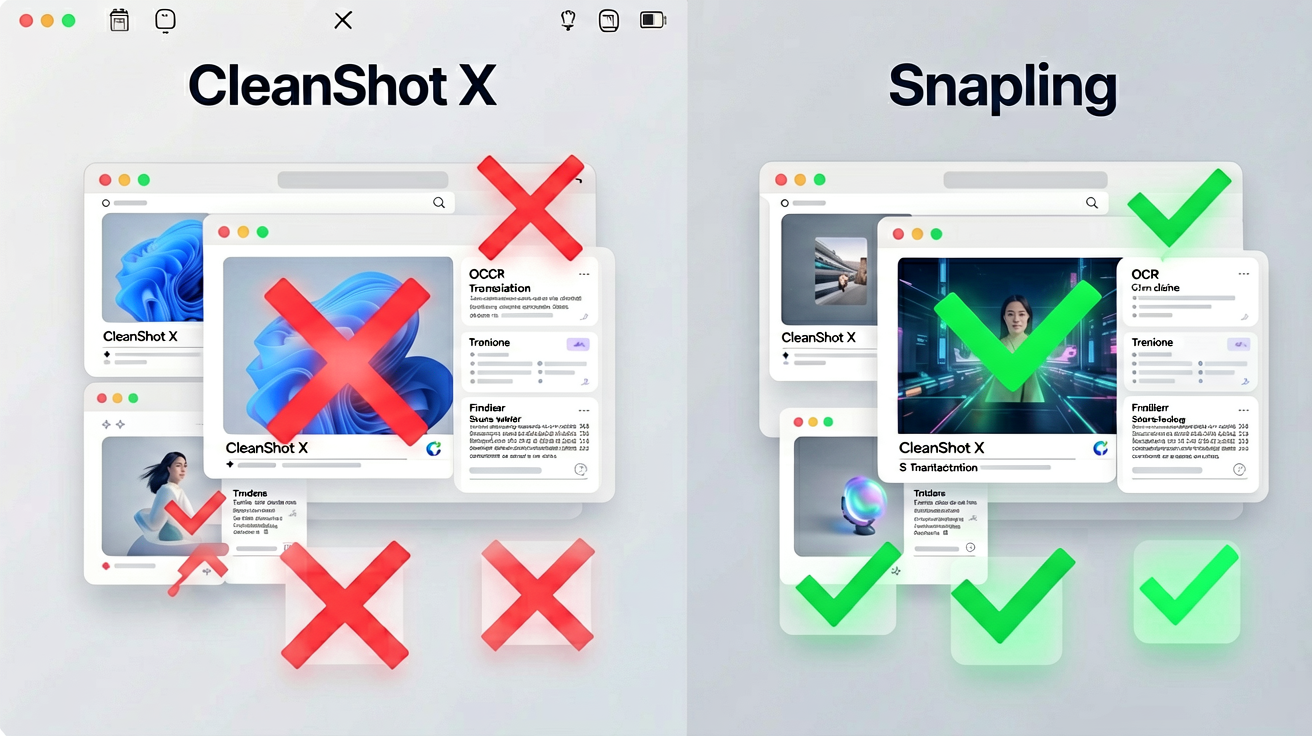
| Feature | CleanShot X | Snapling |
|---|---|---|
| Price | $29+ one‑time | Free (no paid tier) |
| OCR text search | ❌ | ✅ Automatic, across all screenshots |
| Screenshot translation | ❌ | ✅ Built‑in (select text → translate) |
| Clipboard history | ❌ | ✅ Text & image history |
| Scrolling screenshots | ✅ | ✅ (plus auto‑stitching) |
| GIF recording | ✅ | ✅ |
| Annotations (arrows, blur, etc.) | ✅ | ✅ |
| Local / offline use | ❌ (online activation) | ✅ (fully offline) |
| Cloud dependency | Optional (for hosting) | None – local‑first |
| Searchable screenshot library | ❌ | ✅ (full‑text & tag search) |
| Privacy | Activation required, optional cloud | 100% on‑device, no data leaves your Mac |
| Open‑source | ❌ | ✅ (core open source) |
When to Choose CleanShot X vs Snapling – Workflow Scenarios
Choose CleanShot X if you already own it and only need basic capture with polished annotations, or if you rely on its cloud sharing and don’t care about OCR or privacy. It remains a capable tool for quick screenshots and screen recordings.
Choose Snapling if you need more from your screenshots: you want to find any text later, translate on‑the‑fly, access clipboard history, or keep everything private and offline. Snapling is ideal for developers who document bugs, designers who collect inspiration, PMs who maintain visual specs, and anyone who treats screenshots as retrievable information – not disposable images.
Snapling’s Unique Features CleanShot X Doesn’t Have
Snapling’s biggest differentiator is automatic OCR search. Every screenshot you take is scanned, and you can instantly search for any text that appears in any screenshot – even months later. This turns your screenshot library into a searchable knowledge base. CleanShot X offers no search of any kind beyond filenames.
Additionally, Snapling’s built‑in translation engine lets you select text from a screenshot and translate it into another language without leaving the app. Its clipboard history remembers recent text and images, so you never lose a copied item. Together, these features make Snapling a productivity powerhouse, not just a capture tool.
Get Started with Snapling – The Free CleanShot X Alternative
Ready to try the best CleanShot X alternative? Download Snapling for free – no sign‑up, no trial, no credit card. It runs on macOS 11 Big Sur and later, installs in seconds, and works immediately. Start capturing, searching, and translating your screenshots right away.
For deeper guides, check out How to Copy Text from Screenshots on Mac and How to Take a Scrolling Screenshot on Mac. And if you’re exploring other tools, you might also like our Best Mac Screenshot Apps in 2026 comparison.
Recommended next steps
Use these related Snapling guides when you want to go deeper into one part of the workflow.
How to Copy Text from Screenshots on Mac
How to Take a Scrolling Screenshot on Mac
FAQ
Is CleanShot X free?
No, CleanShot X is a paid app. It costs $29 (one-time) for a single license. There is a limited trial, but no permanently free version.
What is the best free alternative to CleanShot X on Mac?
Snapling is the best free alternative. It offers more features than CleanShot X, including OCR text search, translation, clipboard history, scrolling screenshots, and GIF recording – all completely free and offline.
Does Snapling have OCR?
Yes, Snapling automatically performs OCR on every screenshot you take. You can search for any text that appears in your screenshots using the built‑in search bar.
Can I use Snapling offline?
Absolutely. Snapling is fully offline – no internet connection is required for capture, OCR, search, translation, or any other feature. All data stays on your Mac.
Does Snapling support scrolling screenshots?
Yes, Snapling includes a scrolling screenshot feature that automatically stitches multiple captures into a single long image, perfect for web pages, documents, and chats.
Try the full workflow in Snapling
If you want this CleanShot X Alternative for Mac workflow in one Mac workspace, download Snapling for Mac and try it with a screenshot you would normally need to find, copy, explain, or reuse.
Try the full workflow in Snapling
Capture the screenshot, keep the useful context, search it later, and reuse it when the work comes back.